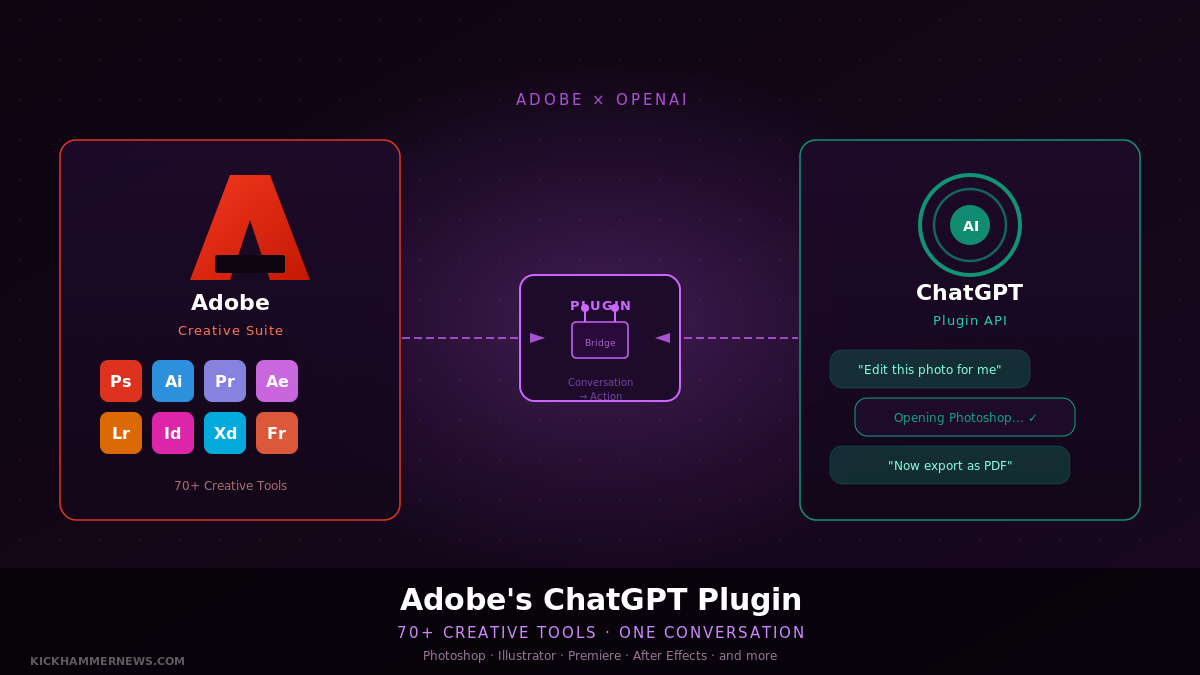
Adobe has collapsed its entire creative software lineup into a single ChatGPT plugin, letting users edit photos, cut video, design marketing assets, and generate polished PDFs without ever leaving the chat window.
Launched on August 6, 2026, the unified Adobe plugin for ChatGPT replaces a collection of separate connectors the company introduced in December 2025. Where those earlier integrations offered isolated access to Photoshop Express and Acrobat, the new plugin bundles more than 70 tools drawn from across Adobe’s full portfolio — including Photoshop, Firefly, Premiere, Lightroom, Illustrator, InDesign, Adobe Express, Acrobat, and Adobe Stock — into a single, orchestrated experience.
From Fragmented to Unified
When Adobe first brought its tools to ChatGPT eight months ago, the approach was additive but disconnected. Users could invoke Acrobat features for document work, or reach for Photoshop Express to touch up an image, but each connector operated independently. Switching between tasks meant switching contexts, and the experience felt more like a collection of bolt-ons than a coherent workflow.
The new plugin changes that calculus entirely. Once installed — found by searching “Adobe” in ChatGPT’s plugin directory — users simply describe what they need. The plugin’s orchestration layer decides which tools to invoke, sequences them appropriately, and handles the handoffs behind the scenes. Users trigger it by typing @Adobe in a prompt or selecting it from the + menu alongside other connected plugins.
Adobe describes the ambition plainly: “The Adobe plugin in ChatGPT supports a wide range of workflows, from editing photos and creating campaign videos to designing marketing assets and generating polished PDFs — all through rich, interactive experiences right in the flow of the conversation.”
What 70 Tools Actually Gets You
The breadth of use cases is genuinely wide. Adobe has highlighted four flagship workflows to illustrate what the plugin can do at scale.
For marketing teams, the plugin can take a batch of campaign photos, apply a consistent visual style across the entire set, save the finished assets to Creative Cloud, and then transform the strongest image into a product mockup — all from a single conversational prompt. For video creators, it can condense a long-form recording into a highlight reel and then reformat that reel for YouTube Shorts, Instagram Reels, and other platform-specific dimensions without manual re-editing.
On the design side, users can browse thousands of templates with interactive previews, select one, customize copy and colors through natural language instructions, animate it for social media, and export it as a print-ready PDF — a workflow that previously required jumping between at least three separate applications. And for document-heavy teams, the plugin can ingest a spreadsheet or raw dataset and output a professionally formatted PDF: event badges, product catalogs, infographics, customer-facing reports.
Across all of these, the plugin’s ability to access and save directly to Creative Cloud means work is not siloed inside a ChatGPT session. Files persist, projects carry over, and the output is immediately available in the apps users already use for deeper editing.
Who Can Use It — and What It Costs
Adobe is threading the access question carefully. A guest mode exists for basic functionality, allowing non-subscribers to experiment with the plugin without an Adobe account. But the substantive capabilities — generative features powered by Firefly, access to existing Creative Cloud libraries, and cross-session project saving — require signing in with an Adobe account. Full access to the tool set is tied to a Creative Cloud subscription.
For existing Creative Cloud subscribers, the plugin represents a meaningful extension of what they are already paying for. Rather than opening Photoshop to handle a quick retouch, or switching to Premiere for a simple cut, or launching Acrobat for a PDF merge, they can handle those tasks inline in ChatGPT without leaving the conversation they are already having.
The plugin is available across ChatGPT, ChatGPT Work, and Codex — meaning it works whether users are operating in the standard consumer interface, the enterprise-grade Work tier, or the code-focused Codex environment. That breadth matters for organizations where different teams interact with OpenAI’s products in different contexts.
The Bigger Bet
Adobe’s move is not happening in isolation. The company has made clear that the ChatGPT plugin is the opening shot in a broader distribution play. Integrations for Microsoft Copilot are already in the pipeline, with Slack and Gemini connections set to follow before the end of August 2026.
That strategy reflects a shift in how creative software companies are thinking about user acquisition and workflow capture. The traditional model — get users into your application, keep them there — is giving way to something more ambient. If users can invoke Photoshop-quality image editing, Premiere-quality video trimming, or Acrobat-quality document handling without opening any of those applications, Adobe’s value proposition travels farther, embedded in the interfaces where users already spend their time.
It is also a direct response to the competitive pressure from AI-native creative tools. Platforms built from scratch on generative AI have no legacy interface tax — no toolbar to learn, no panel layout to memorize. By meeting users inside ChatGPT, Adobe sidesteps that comparison. The tools arrive in a context users already understand, and the depth of the underlying applications remains available for anyone who wants to dig deeper.
Implications for the Creative Industry
The plugin’s launch arrives at an inflection point for how creative professionals think about their toolchain. Over the past two years, AI-assisted generation has become mainstream in design and video production, but the fragmentation of tools has remained a persistent friction point. A designer still has to know which application handles which task, which formats are compatible with which export options, and how to transfer work between environments without loss.
Adobe’s orchestration layer is an attempt to abstract all of that. The ambition is that a user should be able to describe an outcome — “turn this footage into a vertical video for Instagram with my brand colors and a text overlay” — and the system handles the tool selection, sequencing, and output without the user needing to manage any of it manually.
Whether the execution matches the ambition will depend on how well the orchestration handles edge cases, conflicting instructions, and tasks that require the kind of iterative judgment that experienced creative professionals exercise instinctively. But as a direction of travel, it represents one of the clearest signals yet of where enterprise creative software is heading: not toward better applications, but toward better workflows that happen to use applications underneath.
For now, the plugin is live and available to any ChatGPT user. Adobe accounts unlock the full capability set, but the guest access tier means the barrier to trying it is lower than almost any prior Adobe product launch in memory.
Sources: Adobe blog, 9to5Mac, Engadget, TechTimes, Android Authority, Design Week


