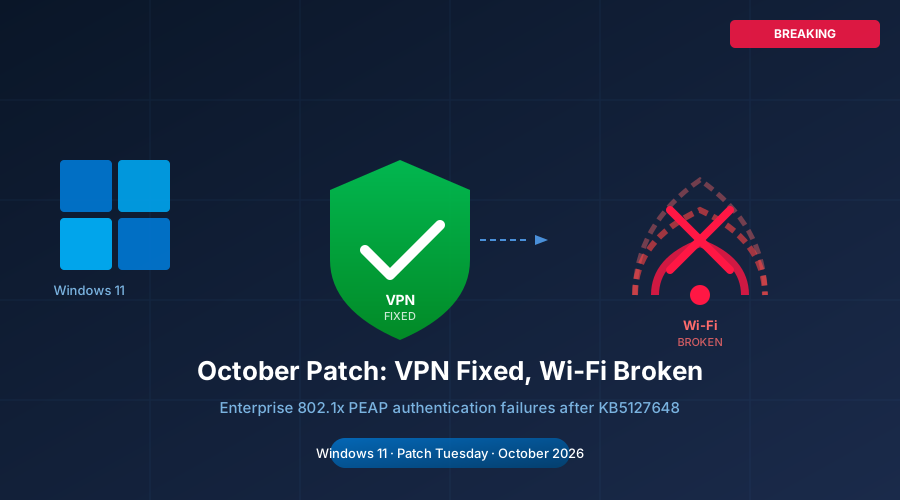
Microsoft’s October 2026 cumulative updates finally delivered the fix enterprises had waited six weeks for — only to swap one connectivity crisis for another, leaving IT teams scrambling again just as they thought they were out of the woods.
When Microsoft shipped the September 8 cumulative updates, it quietly introduced a defect that sent corporate VPN connections into an endless loop. Windows 11 devices running 24H2, 25H2, and 26H1 would attempt to reconnect through an Always On VPN profile and hang indefinitely at “Connecting,” or surface the cryptic error “The specified port is already in use.” For remote workers and branch offices that depend on Always On VPN to reach internal resources, this was not a minor inconvenience — it meant no access to file shares, line-of-business applications, or corporate email the moment a device left the office.
The root cause was tied to automatic protocol selection. When a VPN profile was configured to try IKEv2 first and fall back to SSTP if UDP ports were blocked — the most common enterprise setup — the fallback logic broke silently after September’s update. The connection would stall rather than switch protocols, leaving users stranded.
Six Weeks of Workarounds
Microsoft acknowledged the bug in a late-September service alert, tracked internally as WI1477233 in the Microsoft 365 admin center, and described the issue as “mitigated” while engineering worked on a proper fix. For IT administrators, “mitigated” meant exactly one option: manually lock every VPN profile to a single protocol.
That workaround carried its own trade-off. Choosing IKEv2-only meant devices behind restrictive firewalls that block UDP port 500 would be unable to connect at all. Choosing SSTP-only meant abandoning the performance advantages of IKEv2. Neither option was acceptable for organizations with a mixed network environment, yet the alternative — doing nothing — left thousands of remote endpoints without reliable access.
Administrators running Microsoft Intune or similar management platforms spent weeks pushing configuration changes, fielding helpdesk tickets, and defending the decision to delay October’s security patches to avoid compounding an already unstable environment.
October’s Fix — And Its New Problem
Microsoft released the October 13 cumulative updates — KB5127648 for Windows 11 25H2 and 26H1, and KB5127646 for 24H2 — and confirmed that both resolve the Always On VPN defect on all affected releases. The fix restores proper protocol fallback behavior, so profiles configured for automatic selection once again switch cleanly from IKEv2 to SSTP when needed.
Enterprises that had applied the single-protocol VPN workaround from September were advised to revert those profiles and test remote connections, a process that itself requires a staged rollout to avoid disrupting the entire remote workforce simultaneously.
But within days of the October updates reaching production devices, a new wave of reports began appearing in Windows communities and IT forums. This time, the complaints center on enterprise Wi-Fi: devices updated to the October cumulative updates are failing to authenticate on 802.1x networks using PEAP (Protected Extensible Authentication Protocol). Users describe authentication that initiates normally but never completes, leaving devices stuck on the captive portal or simply unable to join the corporate wireless network at all.
Reports span multiple hardware vendors and wireless chipsets, suggesting the issue is not tied to a specific driver. Access points from Aruba have appeared prominently in the reports, though similar behavior has been documented on networks using hardware from other vendors. References to NTLMv1 in error logs have led some administrators to theorize the update tightened authentication requirements in a way that breaks older RADIUS configurations — but Microsoft has not confirmed the cause.
A Pattern Enterprise IT Cannot Ignore
As of October 22, Microsoft has not issued a formal acknowledgment of the Wi-Fi authentication issue, nor has it appeared as a known issue in the Windows release health dashboard. That silence is amplifying frustration among administrators who went through six weeks of workarounds for the VPN bug and were hoping October’s update would mark a clean break.
The back-to-back incidents are drawing renewed scrutiny to Microsoft’s patch validation process. The September VPN regression and the apparent October Wi-Fi regression both affect core enterprise connectivity features — exactly the scenarios that should be caught in pre-release testing. Critics note that neither bug would survive a basic enterprise simulation that includes VPN and 802.1x Wi-Fi as part of the test environment.
Microsoft’s October Patch Tuesday was already historically notable for a different reason: it delivered fixes for 1,413 CVEs, a record for a single update cycle, including three zero-days under active exploitation. With that volume of changes landing simultaneously, the risk of regressions is statistically higher than in a typical month — but that reality offers little comfort to the administrator whose executive team lost Wi-Fi access during the all-hands meeting.
What Administrators Should Do Now
For organizations that have not yet deployed the October cumulative updates, the recommended approach is to pilot on a group that includes devices connecting to WPA-Enterprise and 802.1x wired networks, not just machines used for VPN testing. If Wi-Fi authentication failures appear in the pilot, hold the broader deployment and monitor the Windows release health dashboard for an out-of-band fix or a Known Issue Rollback (KIR) entry.
For organizations that have already deployed and are seeing Wi-Fi failures, the immediate step is to audit RADIUS server logs for rejected authentication attempts and check whether NTLMv1 is referenced in error output. If so, verifying that the RADIUS configuration is current and does not rely on deprecated authentication methods may resolve the issue independently of any Microsoft patch.
Organizations still using the single-protocol VPN workaround from September can safely revert those profiles — the October updates do appear to resolve the VPN defect as advertised.
The Bigger Picture
The episode underscores a tension that has been building throughout 2026: as Microsoft accelerates both the volume and scope of security patches in response to record CVE counts, the validation window for each cumulative update is under increasing pressure. Patch Tuesday used to be a manageable monthly event; in 2026, it has become a quarterly crisis drill, with organizations allocating significant IT resources just to assess the collateral damage from each cycle before deploying.
For now, enterprise IT teams face the familiar calculus: stay unpatched and remain exposed to three zero-days, or patch and risk a connectivity disruption that may be harder to explain than a theoretical exploit. Neither answer is satisfying, and the fact that this question arises month after month is itself the story worth watching.


