Microsoft is fundamentally restructuring the Windows Insider Program for the first time in years — and this month, the new system is fully rolling out to millions of testers around the world.
After decades of incremental tweaks, confusing channel proliferation, and the chronic frustration of installing updates only to find promised features still missing, Microsoft has stripped the Windows Insider Program back to basics. The revamped program replaces the old four-channel structure of Canary, Dev, Beta, and Release Preview with two clear primary tracks: Experimental and Beta. On May 15, 2026, Microsoft began expanding the rollout to Beta Channel users, marking the first major milestone in a migration set to complete by end of Q2 2026.
How the Old Program Became a Maze
When Microsoft launched the Windows Insider Program in 2014, the concept was elegantly simple: Fast Ring for bleeding-edge builds, Slow Ring for more stable previews, and Release Preview for near-production code. The trade-offs were transparent and audiences understood them. Over time, Microsoft expanded the program by adding a Canary channel for the most experimental platform-level work and a Dev channel that sat between Canary and Beta. By 2025, there were four named channels — Canary, Dev, Beta, Release Preview — each with subtly different meanings that were easy to confuse and hard to explain to newcomers.
Worse, the introduction of Controlled Feature Rollouts (CFR) turned feature access into a lottery. CFRs are a sensible engineering tool: Microsoft could gradually push a new feature to a percentage of Insiders, monitor telemetry for crashes or regressions, and expand the rollout once stability was confirmed. But from the user’s perspective it was baffling. You’d read the Insider Blog announcing a new taskbar redesign, install the latest build — and the feature simply wouldn’t be there. Feedback Hub filled with frustrated reports from testers who couldn’t tell whether a feature was missing because of CFR, a per-device policy, or an outright bug.
Two Channels, Clear Expectations
The new structure collapses the complexity into two primary lanes:
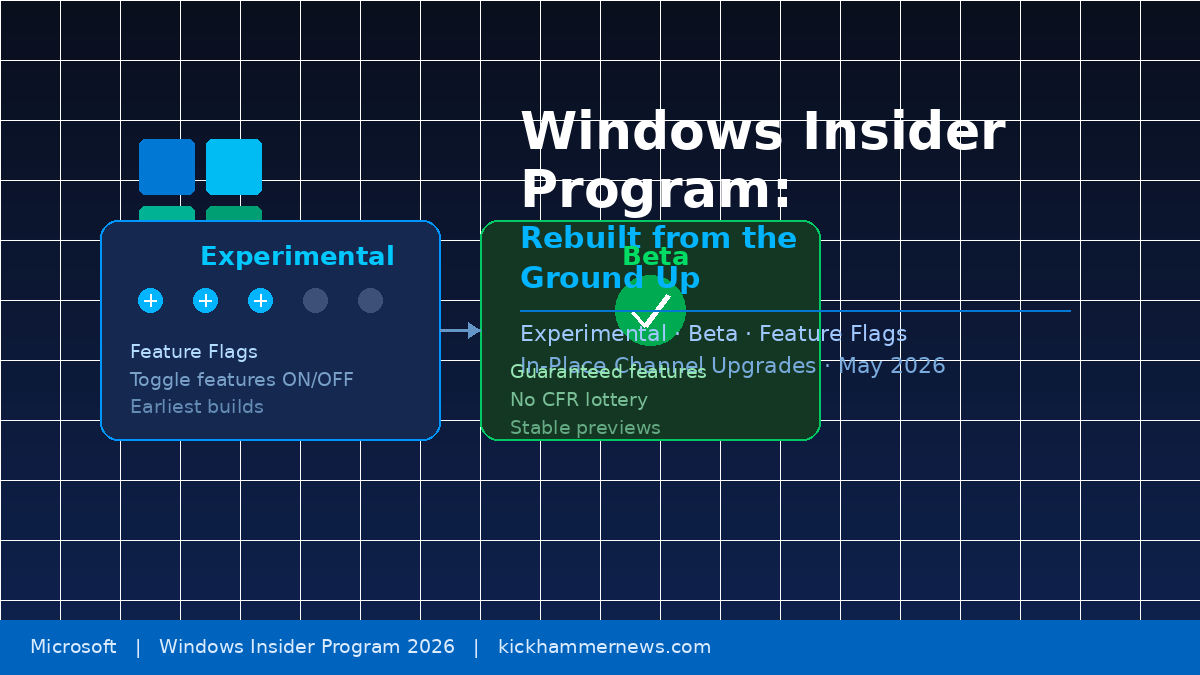
Experimental absorbs what Canary and Dev used to be. This is the earliest access tier — builds here are unstable by design, may include unfinished features, and will sometimes include changes that never make it to release. Insiders who enroll here are closest to the active development process and have the most direct line to influencing what ships. Experimental also introduces the new Feature Flags system: a dedicated settings page inside the Windows Insider Program panel that lets testers manually toggle specific announced features on or off. This eliminates the randomness of CFR in the Experimental channel entirely — if Microsoft blogs about a new feature and you are on Experimental, you can choose to enable it yourself rather than waiting to be selected by an algorithm.
Beta retains its name but gains a critical new guarantee: no more Controlled Feature Rollouts. If a feature is announced for a Beta build and you install that build, you will have the feature. Full stop. This turns the Beta channel into a genuine preview of what is shipping soon rather than a probabilistic one, making it the natural home for the majority of enthusiasts who want to stay informed without running fully unstable code.
For power users who want to go even deeper, Microsoft has added an Advanced Options layer inside Experimental. Testers can choose their Windows core version — most will see options like 25H2 or 26H1 — and a new Future Platforms track offers the very earliest platform-level builds, not tied to any planned retail release. The trade-off is real: Future Platforms testers are still required to do a clean install if they want to exit. Everything else in the new structure supports frictionless movement between channels via in-place upgrades (IPU), letting users switch from Experimental to Beta or leave the program entirely without wiping their machines.
New Features Arriving in the New Structure
The timing of the channel overhaul coincides with a wave of genuine Windows improvements landing in Experimental builds this month. The most anticipated is taskbar customization: users can now move the taskbar to the top, left, or right of the screen — something Windows 11 had blocked since launch and a persistent source of community complaint. A new smaller taskbar mode is also available, compacting icon sizes and bar height for users who want more screen real estate.
Microsoft has also shipped notable quality-of-life work through the revamped channels. File Explorer has received architectural improvements to reduce hangs and speed up navigation. Widgets have been made quieter by default, with reduced badge pressure and lower memory footprints. The Windows Update experience now consolidates OS, .NET, and driver updates into a single monthly restart event, and the Power menu has been decoupled from pending updates so users always see standard Restart and Shut Down options without being forced into an update install.
Microsoft is also pulling back on Copilot’s footprint in inbox apps. The “Ask Copilot” button has been removed from Snipping Tool and Photos. Notepad now shows a “Writing Tools” label in place of the generic Copilot icon — part of a broader reassessment of where AI surfaces add genuine value versus where they create visual noise.
The Return of Community Engagement
Perhaps less technically concrete but equally significant is Microsoft’s renewed emphasis on direct community engagement. Under Marcus Ash — who stepped into an expanded leadership role over the Windows Insider Program earlier this year — in-person Insider meetups have returned after a multi-year pause. Meetups have already taken place in Seattle and New York, with Hyderabad, Taipei, San Francisco, and London scheduled in the months ahead.
Ash has been unusually direct in his communications with Insiders, framing the program around two themes: transparency and shared pride. He has explicitly committed to showing what the team is building, explaining decisions, and demonstrating progress through shipping rather than promises. That tone represents a meaningful departure from the more guarded communications style that characterized Windows development during the Windows 11 early years.
What This Means for Everyday Insiders
The migration is not optional. Microsoft is automatically reassigning all existing Insiders to the new structure over the next several weeks. Current Beta Channel users land in the new Beta experience. Dev channel testers move to Experimental. Canary users on the 28000 build series slot into Experimental under the 26H1 core version; those on the 29500 series move to Future Platforms under Experimental. Release Preview remains unchanged and is now positioned primarily for commercial users and those close to production readiness.
Most users will feel the biggest practical change in the Beta channel. For the first time since CFR was introduced, Beta testers can actually trust that announced features will appear when they install an update. That alone restores a fundamental promise the Insider Program had been struggling to keep.
For the Experimental tier, Feature Flags represent a more granular testing paradigm — one that looks deliberately similar to how Chrome and Firefox handle experimental feature exposure. Microsoft is borrowing a proven browser model and applying it to an operating system used by over a billion people. If the implementation holds, it could let the company move faster on feature iteration without sacrificing the feedback signal quality that makes the Insider Program worth running in the first place.
The Bigger Picture
This overhaul is part of a larger Microsoft effort to win back the trust of power users who grew frustrated with Windows 11’s rocky early years. Combined with improvements to update reliability, taskbar flexibility, File Explorer performance, and a more restrained approach to AI feature placement, the reorganized Insider Program signals that Microsoft is paying close attention to the gap between what it ships and what users actually want.
The Windows Insider Program has always been Microsoft’s most direct line to engaged users. Making it simpler, more transparent, and more rewarding to participate in is an investment in that feedback loop — and judging by the scope of changes rolling out this month, the team is taking that investment seriously.


