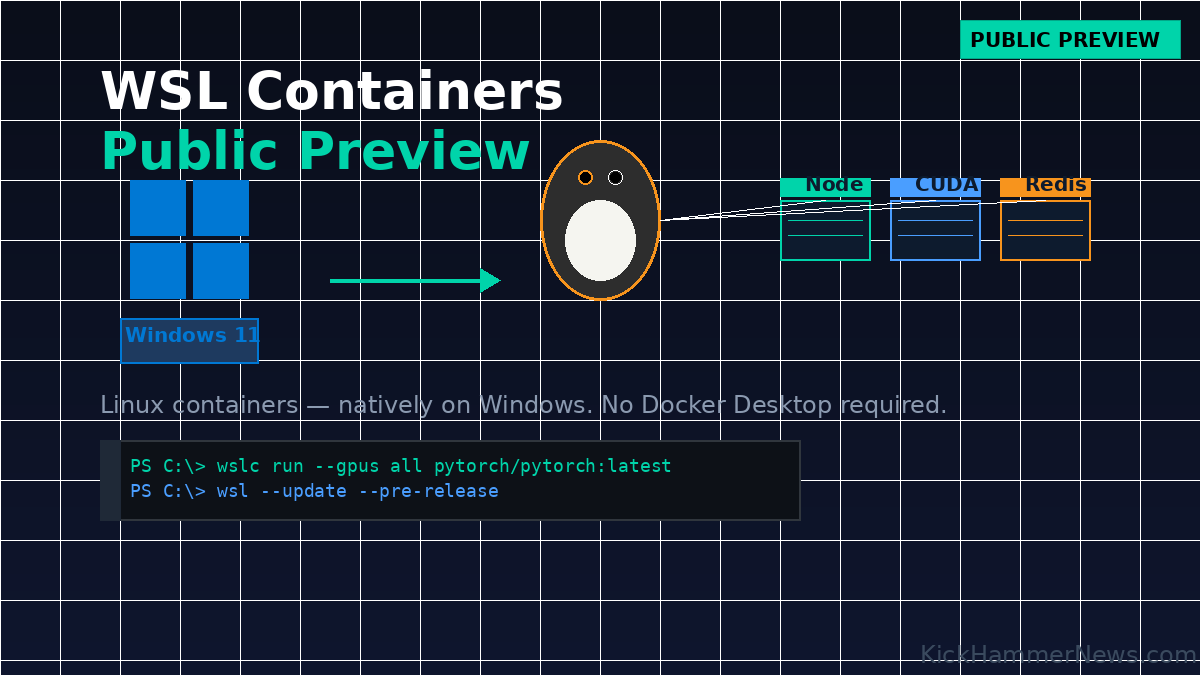
For years, Windows developers who wanted to work with Linux containers had to reach for third-party tools — Docker Desktop, Podman Desktop, Rancher Desktop — just to spin up a containerized workload. That era may be drawing to a close. Microsoft has officially launched the Windows Subsystem for Linux (WSL) Containers in public preview, delivering native Linux container support directly into Windows 11 without requiring any additional software.
The announcement, made via the Windows Command Line blog on June 29, 2026, represents a significant evolution for WSL — a technology that began as a compatibility layer for running Linux command-line tools on Windows and has steadily grown into a full-featured development platform. WSL Containers takes that evolution to its next logical step: making the container, the foundational unit of modern cloud-native software development, a first-class citizen on Windows.
What WSL Containers Actually Does
At its core, WSL Containers introduces two major additions to the WSL ecosystem.
The first is wslc.exe, a new command-line interface baked directly into WSL. Developers familiar with Docker will find the transition almost frictionless — the command syntax is nearly identical, and Microsoft even ships a built-in alias called container.exe for those who prefer that nomenclature. Want to spin up a full Linux KDE desktop in a container and access it through a browser? That’s a single wslc run command. Want to verify GPU access with a CUDA workload inside a PyTorch container? Same deal.
The second addition is a WSL Container API, distributed as a NuGet package, that allows Windows-native applications written in C, C++, or C# to programmatically spawn and interact with Linux containers as part of their own application logic. This opens the door to scenarios where Windows desktop software can leverage Linux-specific tooling, reuse existing containerized cloud logic locally, or sandbox Linux processes from accessing the broader host system. The API also integrates with MSBuild and CMake, meaning container build and deployment steps can be embedded directly into a project’s standard build pipeline.
The Architecture Behind It
Unlike running Docker inside a WSL distribution — the older, more piecemeal approach — WSL Containers doesn’t run containers inside your existing WSL distros at all. Every container session spawns its own lightweight Hyper-V utility VM in the background. This design choice isn’t just an architectural curiosity; it’s a deliberate security decision. By isolating each container in its own micro-VM, Microsoft significantly reduces the risk of container-to-container snooping, a concern that has historically shadowed shared-kernel container environments.
This architecture also enables some notable performance improvements. The new default file system for WSL containers, called virtiofs, makes Windows file access twice as fast compared to previous approaches. The default networking mode, dubbed consomme, routes Linux network traffic through the Windows networking stack — meaning Linux containers automatically inherit the same VPN configurations, proxy settings, and enterprise network policies that apply to Windows applications. For organizations running complex enterprise network environments, this is no small thing.
Memory management has also been improved, with new reclaim techniques that gradually and consistently return unused memory from the Linux VM back to the Windows host — a longtime frustration for developers running resource-hungry containerized workloads on laptops.
Enterprise Considerations
Microsoft has been careful to position WSL Containers not just as a developer convenience, but as an enterprise-ready capability. Two existing enterprise tools get notable upgrades.
Microsoft Defender for Endpoint’s existing WSL plugin has been updated to also monitor Linux container events, providing the same security visibility whether a workload is running in a full WSL distribution or a container. This feature is currently in private preview, with a sign-up available through Microsoft’s forms.
Intune management is getting new WSL container settings that will allow IT administrators to control whether users in an organization can access WSL distributions, containers, or both — and to specify an allowlist of approved container registries. This directly addresses one of the most common enterprise asks around WSL: “How do I control which Linux images my users can pull?” The registry allowlist feature provides a concrete answer. GPO and ADMX policy support is available today, with official Intune dashboard integration expected within weeks.
For developers using VS Code, support for WSL containers in VS Code Dev Containers has landed in pre-release (v0.462.0-pre-release), requiring only a change to the Docker Path setting in VS Code’s dev container configuration.
Why This Matters
The timing of this release is significant. Docker Desktop’s licensing model — which requires paid subscriptions for organizations above certain thresholds — has been a persistent source of friction in enterprise environments. WSL Containers offers an alternative that integrates natively with Windows management tooling, requires no separate installation, and sidesteps the licensing conversation entirely for many workloads.
That said, WSL Containers is not a full Docker replacement out of the box. Early users in the community have noted the absence of Docker Compose compatibility as a gap — organizations with extensive Compose-based workflows will need to evaluate whether the current preview meets their needs. Microsoft appears aware of the gap and is actively collecting feedback through GitHub.
What WSL Containers does deliver is a clean, opinionated container development experience that lives entirely within the Windows platform. No third-party daemons, no separate update cycles, no parallel installation to manage. For individual developers, particularly those working on cloud-native or AI workloads that need GPU access, the ability to wslc run --gpus all and reach a CUDA environment is compelling.
What Comes Next
Microsoft has indicated it plans to make WSL Containers generally available in fall 2026. The improvements to the underlying platform — the virtiofs file system, the consomme networking mode, the memory reclaim improvements — are currently scoped to WSL containers only, but Microsoft has signaled intent to bring these benefits to standard WSL distributions as well.
For Windows developers and enterprise IT teams alike, WSL Containers represents one of the more substantive expansions to the Windows developer platform in recent years. Whether it ultimately displaces Docker Desktop in enterprise environments will depend on how aggressively Microsoft builds out Compose compatibility and broader ecosystem support in the months ahead. But the foundation is now public and available to test today.
Developers can access the feature by running wsl --update --pre-release or downloading WSL 2.9.3 directly from GitHub.


