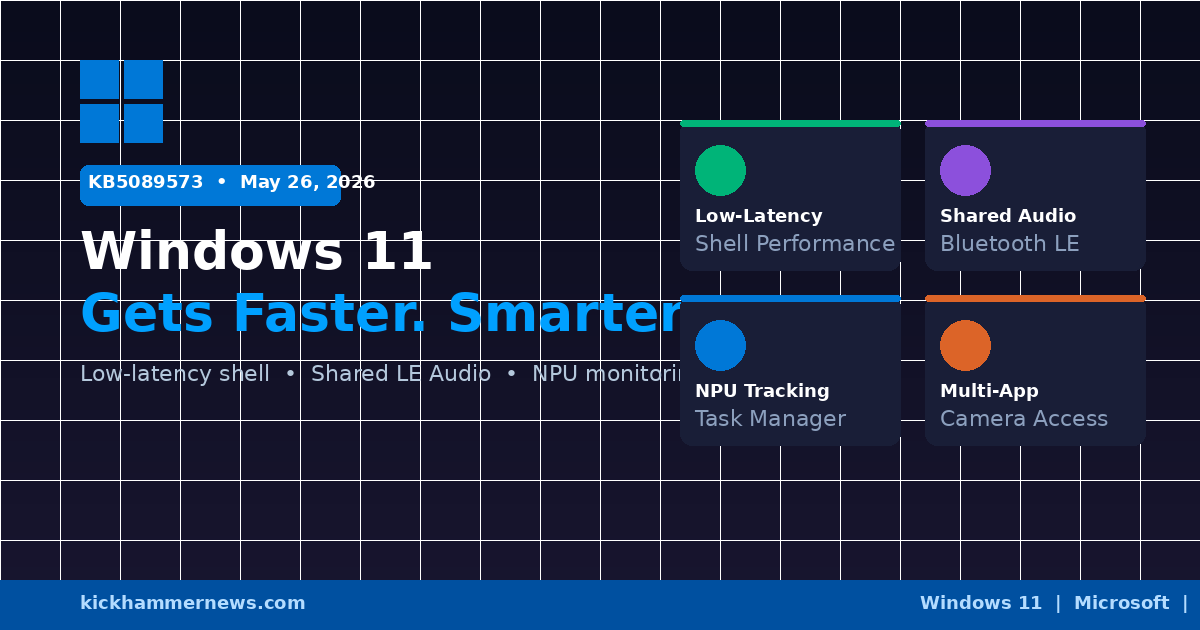
Microsoft’s May 26, 2026 optional preview update for Windows 11 — KB5089573, advancing versions 24H2 and 25H2 to OS builds 26100.8524 and 26200.8524 respectively — landed quietly over a long holiday weekend in the United States, but the changelog is anything but quiet. This is one of the more substantive non-Patch Tuesday updates Microsoft has shipped in recent memory, delivering a genuine performance overhaul of core shell experiences alongside several long-requested hardware features and meaningful AI monitoring improvements. If the changes hold through next month’s Patch Tuesday rollout, Windows 11 users are in for a noticeably faster and more capable operating system.
A Faster Start Menu Is Not a Small Thing
At first glance, “improved Start menu performance” sounds like the kind of bullet point that exists to pad a changelog. In practice, it represents one of the most consistent pain points Windows 11 users have reported since the operating system launched: the occasional stutter, the brief hesitation, the moment where the OS seems to catch its breath before responding to input.
KB5089573 addresses this with a new low-latency performance profile. When a user invokes a core shell experience — Start, Search, Action Center, or launches an application — Windows 11 now briefly pushes the CPU toward its maximum boost frequency for a controlled burst, typically one to three seconds. The net effect is that these operations happen at the speed users actually expect from a modern operating system running on modern hardware. Microsoft’s internal testing reportedly shows meaningful gains in time-to-interactive for application launches across a range of CPU architectures, including ARM-based Snapdragon X Elite systems where shell responsiveness has historically lagged behind x86 counterparts.
For enterprise IT administrators evaluating the update’s deployment risk, the low-latency profile is designed to be transparent — it activates opportunistically based on workload demand and does not materially affect thermal profiles or battery behavior under normal usage patterns.
Shared LE Audio: Two Sets of Ears, One PC
The most consumer-visible new feature in KB5089573 is Shared Audio, which allows a single Windows 11 PC to broadcast audio simultaneously to two Bluetooth LE Audio devices. The practical scenario is exactly what it sounds like: two people sitting next to each other — on a plane, in a library, sharing a desk — can both listen to the same content through their own headphones, wirelessly, from one machine without adapters or splitters.
Shared LE Audio builds on the Bluetooth Low Energy Audio specification, which offers advantages in latency, power consumption, and audio quality over classic Bluetooth audio profiles. The feature requires two Bluetooth LE Audio-compatible headphones, both paired and connected to the PC. Users who already own supported hardware — a growing category as TWS earbuds and over-ear headphones with LE Audio support have proliferated — get the feature automatically after installing the update. No new hardware, no additional software.
Microsoft’s implementation routes audio through the existing Bluetooth settings interface, keeping the experience familiar for users who already manage paired devices through Settings. There is no separate Shared Audio app or configuration utility; pairing two LE Audio devices and selecting both as output targets is sufficient.
This is the kind of feature that rarely shows up in enterprise procurement conversations but has an outsized impact on how real people experience their hardware day to day. It also signals Microsoft’s continued commitment to delivering Bluetooth LE Audio capabilities in Windows 11, following earlier work on Auracast broadcast audio support.
NPU Monitoring Comes to Task Manager
The third headline feature in KB5089573 is NPU visibility in Task Manager — a genuinely useful addition given how rapidly neural processing units have moved from niche component to standard inclusion in new Windows PCs.
The update adds optional NPU and NPU Engine columns to the Processes, Users, and Details views in Task Manager, allowing users to see exactly which applications are consuming NPU resources and how much. Two additional columns — NPU Dedicated Memory and NPU Shared Memory — appear in the Details view, mirroring the granular GPU memory tracking that power users have relied on for years to diagnose memory pressure in graphics-intensive workloads.
On the Performance page, neural engines that are architecturally part of a GPU now appear as discrete entries, providing a more complete accounting of AI-related compute activity across the system. For users running local AI workloads — whether through Windows Subsystem for Linux, AI-accelerated creative applications, or local inference tools — this visibility has been conspicuously absent. Task Manager would show CPU and GPU utilization climbing while the NPU sat invisible, making it difficult to understand where work was actually being dispatched.
The fix matters especially for IT administrators and developers validating AI application performance on Copilot+ PCs. Windows 11’s AI features — Cocreator in Paint, Live Captions, Recall, and the growing roster of NPU-accelerated experiences — generate NPU workloads that were previously invisible to standard diagnostic tooling. With KB5089573, that gap closes.
Multi-App Camera Access
KB5089573 also enables Multi-App Camera, a feature that allows multiple applications to access a single camera stream simultaneously. Previously, Windows enforced exclusive camera access — opening the camera in one application typically locked other applications out, leading to frustrating conflicts when users wanted to run a video call alongside a camera-based AI tool or a second conferencing application.
The new implementation shares the camera stream at the OS level, with Windows managing arbitration and ensuring that each requesting application receives a clean feed. Priority rules apply — the application that initially claimed the camera can retain precedence — but in practice most users will experience seamless concurrent camera access for the first time without workarounds.
For remote work scenarios in particular, this is a meaningful quality-of-life improvement. Users who want to run Zoom while simultaneously using a virtual camera application or an AI-powered video enhancement tool no longer need to manage camera access manually or restart applications in a specific sequence to avoid conflicts.
Secure Boot and Partition Reliability Fixes
Beyond the headline features, KB5089573 addresses a partition management issue affecting certain hardware configurations and ships reliability improvements to Secure Boot credential handling. Neither fix is particularly exciting, but both matter for enterprise environments where disk management operations and boot integrity enforcement are routine administrative tasks.
What Comes Next
As a preview update, KB5089573 is optional — devices running Windows 11 24H2 or 25H2 will not receive it automatically unless users or administrators opt in through Windows Update. The changes it carries are slated for inclusion in Microsoft’s June 2026 Patch Tuesday cumulative update, which will deploy to the full Windows 11 base. Organizations that want to evaluate the performance improvements, test Shared Audio compatibility, or validate NPU Task Manager visibility ahead of that mandatory rollout can install the preview now.
Given the scope of what KB5089573 delivers — a faster shell, shared Bluetooth audio, NPU diagnostics, and multi-app camera access — the June Patch Tuesday is shaping up to be an unusually impactful monthly update for end users. For an operating system that has sometimes struggled to articulate its value over Windows 10, these are exactly the kinds of tangible, daily-experience improvements that make the upgrade argument easier to make.
*Sources: Windows 11 KB5089573 Optional Preview Update Brings Shared Audio and NPU Monitoring, Windows Report | Windows 11 gets big performance upgrade, shared audio support, and more in new update, Neowin | KB5089573 Windows 11 Preview: Low Latency Performance, Shared Audio & Secure Boot, Windows Forum | Windows 11 KB5089573 update improves PC speed and performance, Prajwal Desai*


